
Vivotek Security Cameras Installation Los Angeles: A Complete Guide to Professional Setup, Features, and Best Practices
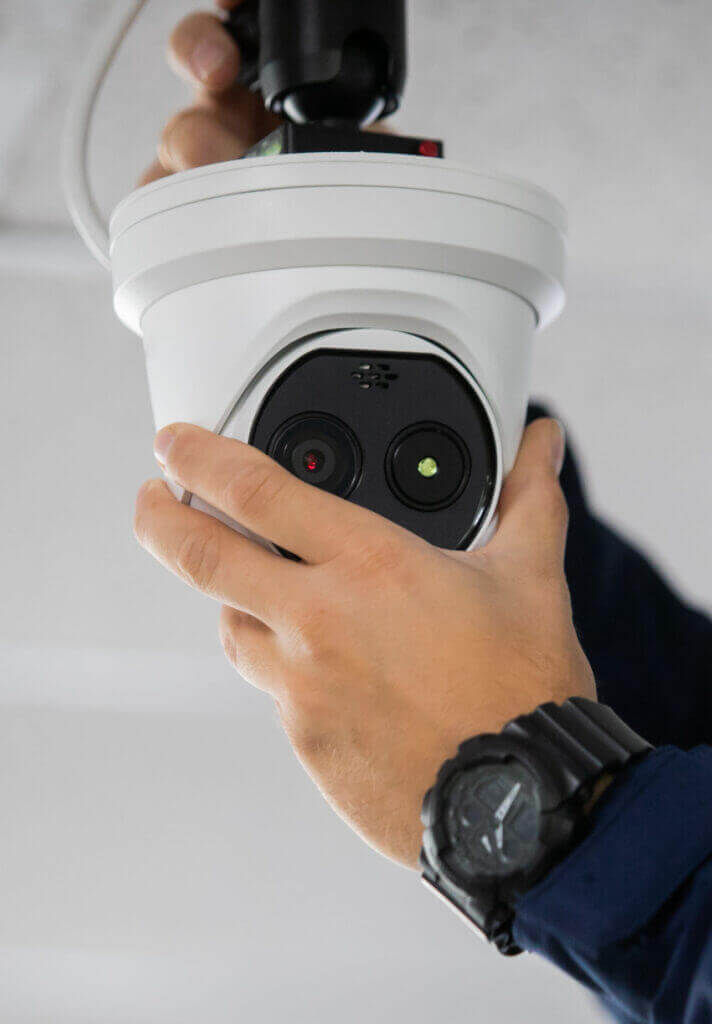
Security surveillance has evolved far beyond basic video recording. Today, businesses and homeowners demand intelligent, reliable, and scalable security solutions—and Vivotek security cameras have emerged as a trusted choice worldwide. Known for advanced AI analytics, robust cybersecurity, and enterprise-grade performance, Vivotek cameras require proper installation to unlock their full potential.
What Are Vivotek Security Cameras?
Vivotek Inc. is a globally recognized Taiwanese manufacturer specializing in IP-based video surveillance solutions. The company is a subsidiary of Delta Electronics and is known for innovation in:
- AI-powered video analytics
- Smart motion detection (Smart VCA)
- H.265/H.265+ video compression
- NDAA-compliant security cameras
- ONVIF-compliant integration
Vivotek cameras are widely used in commercial buildings, smart cities, transportation hubs, healthcare facilities, and industrial sites.
Our Services
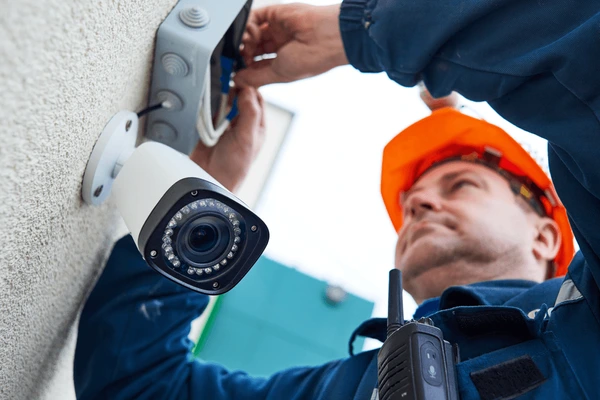
Commercial Video Surveillance Installation
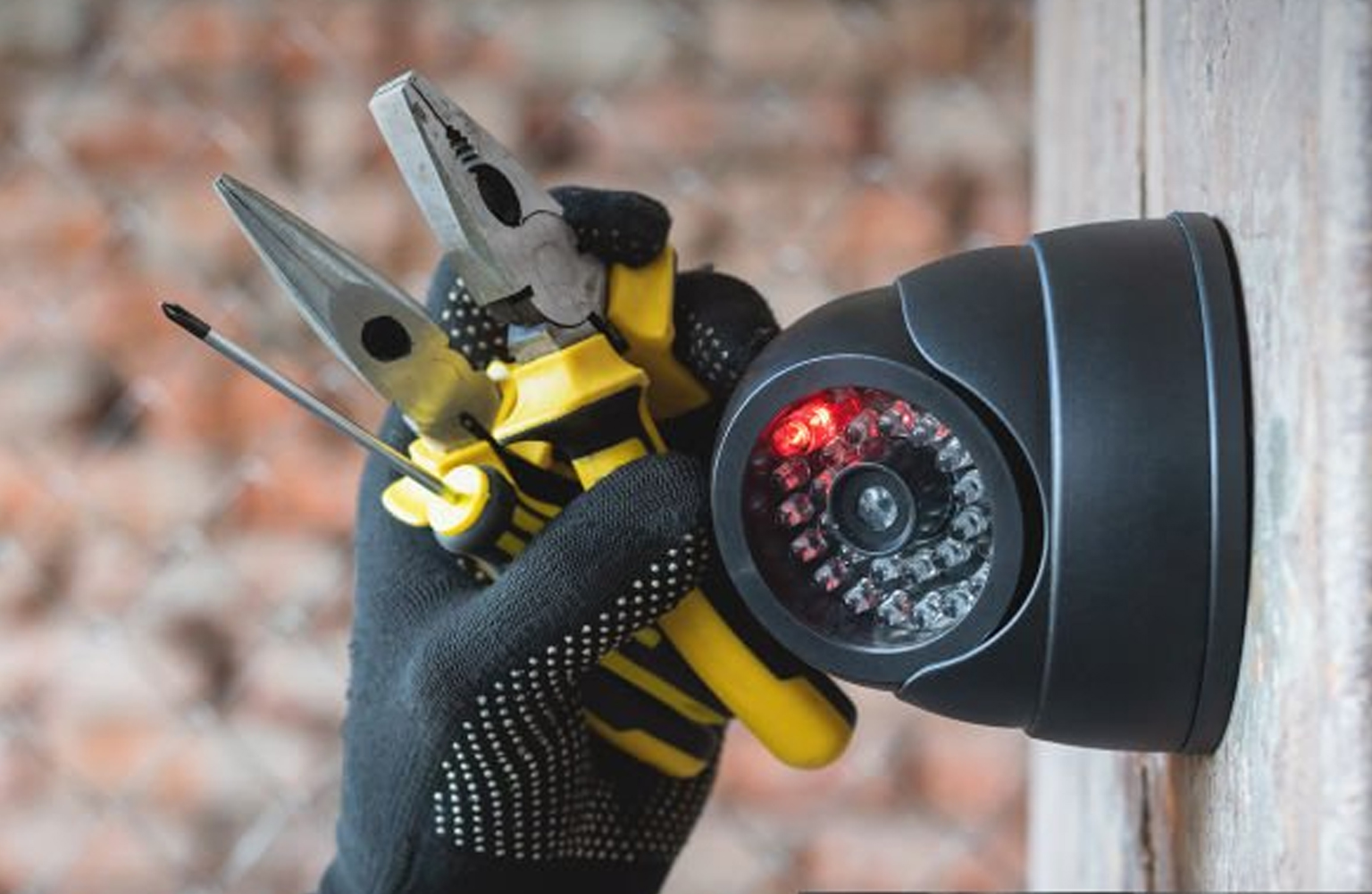
Residential Video Surveillance Installation
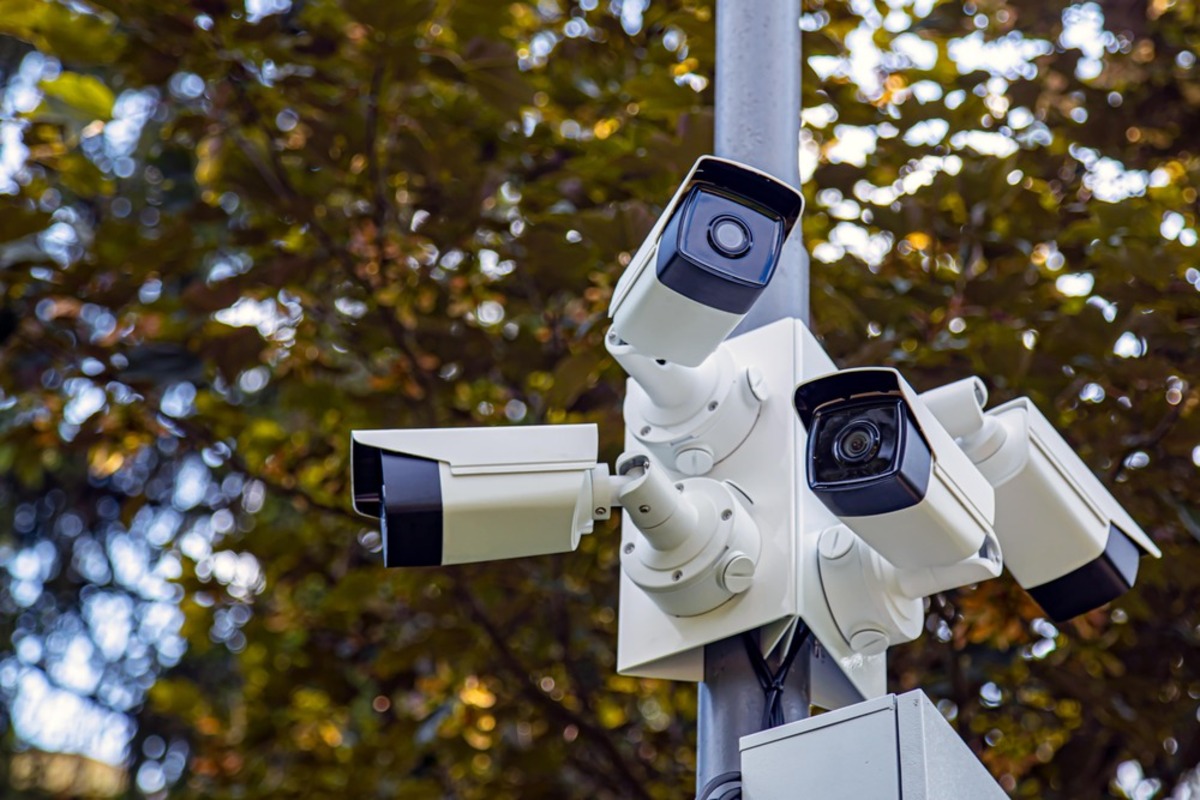
Outdoor Video Surveillance Cameras Installation
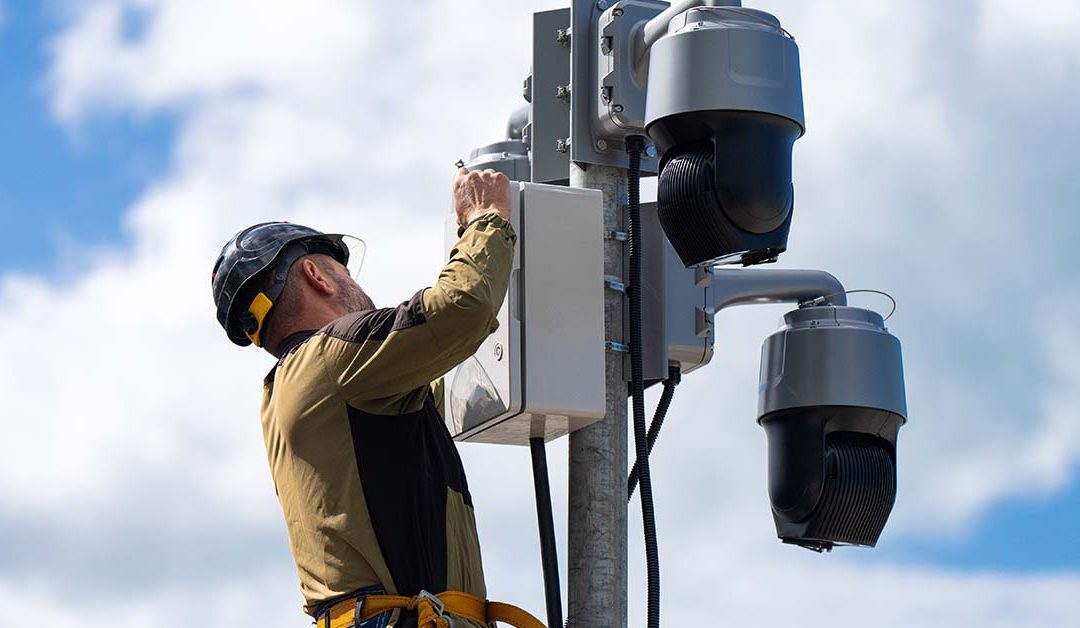
Industrial Video Surveillance Installation
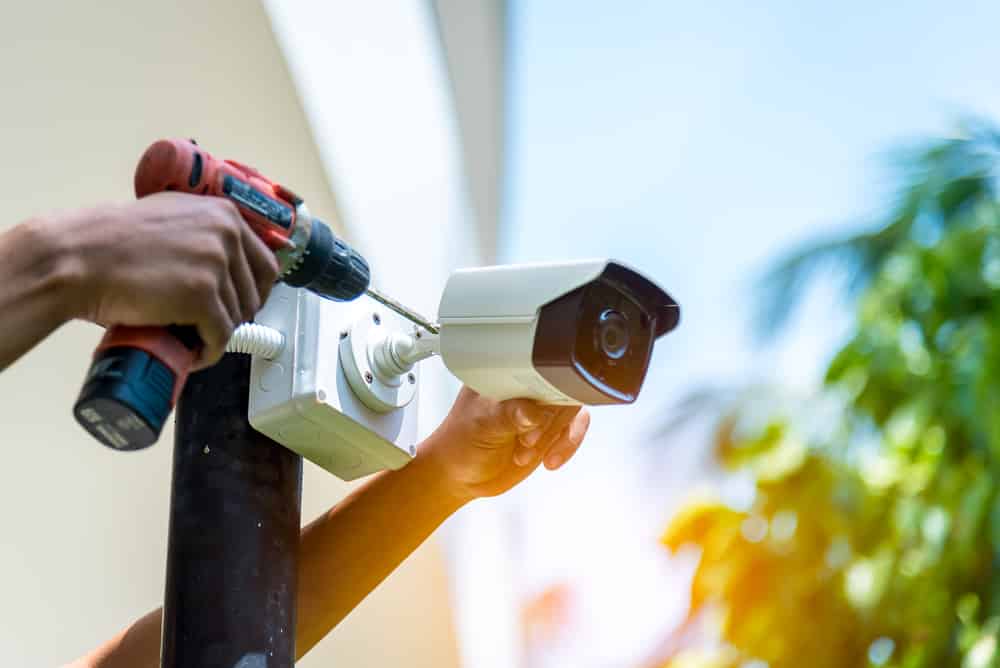
Warehouse Video Surveillance Installation
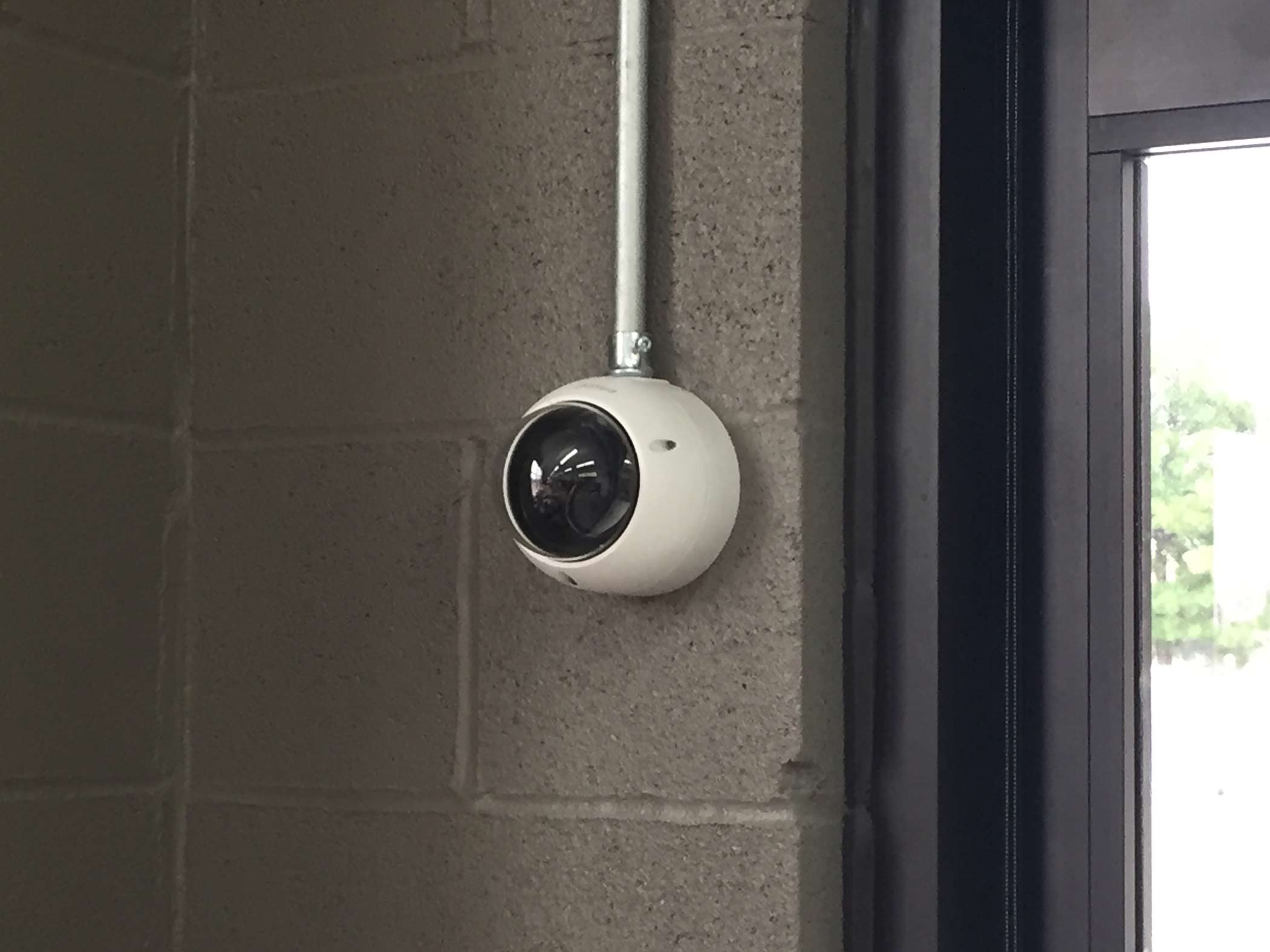
Wireless Video Surveillance Installation
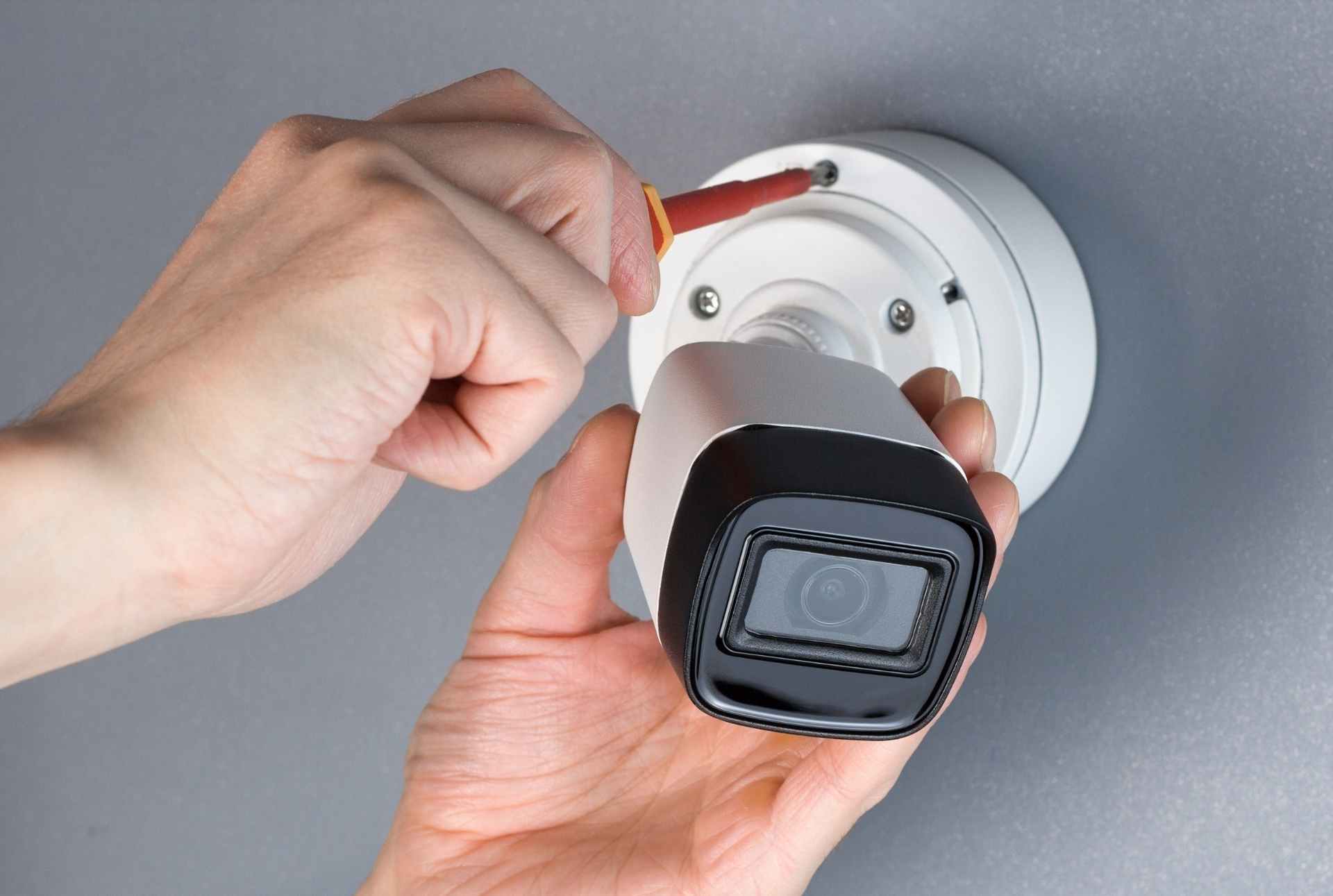
Cloud Video Surveillance Installation
Construction Site Video Surveillance Installation
AI Video Surveillance Installation
License Plate Reader Cameras Installation
School Video Surveillance Installation
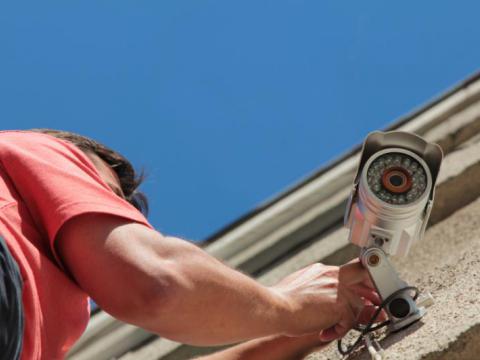
Office Video Surveillance Installation
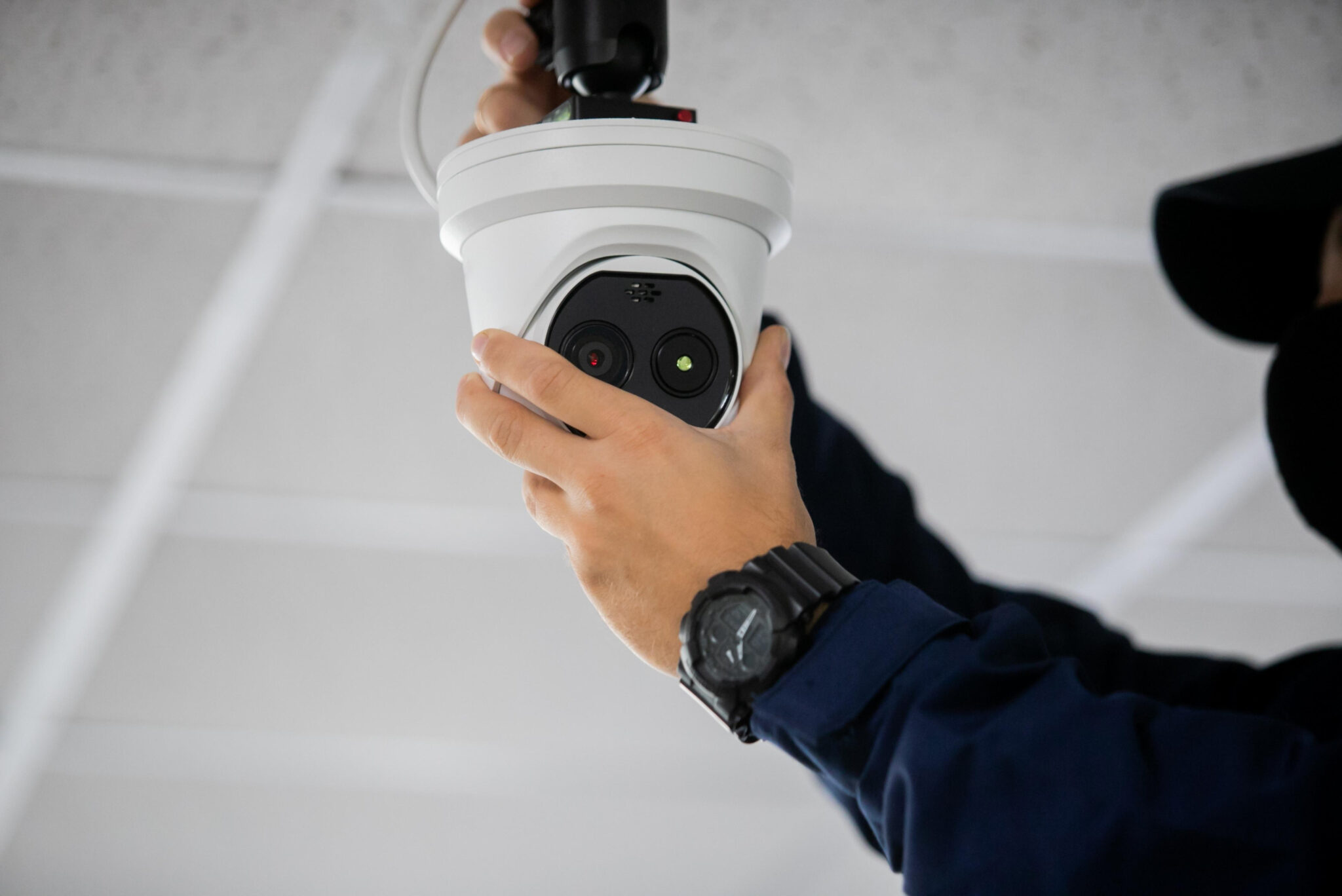
Retail Store Video Surveillance Installation
Apartment Building Video Surveillance Installation
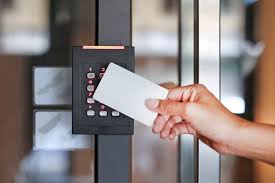
Access Control System Installation
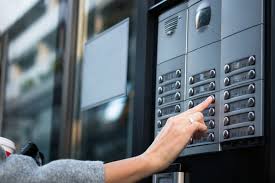
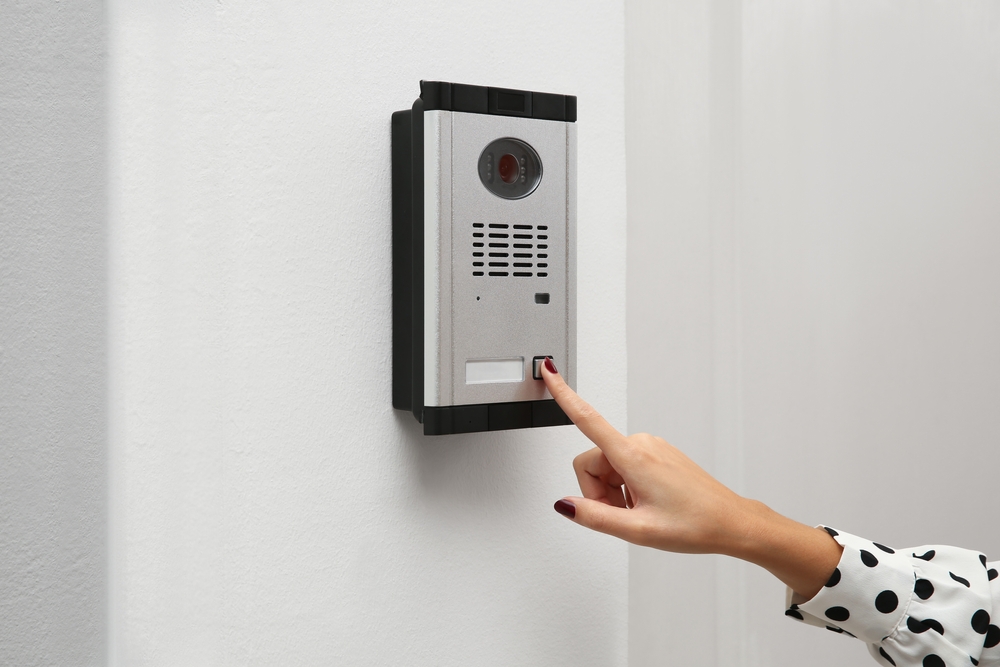
Video Intercom Installation
Surveillance System Maintenance
Camera Upgrade Replacement
Why Proper Vivotek Security Cameras Installation Matters
A poorly installed security camera—no matter how advanced—can fail to deliver usable footage or accurate analytics.
Benefits of Professional Vivotek Installation
- Optimal camera angles and coverage
- Accurate AI detection and reduced false alarms
- Stable network performance
- Compliance with data privacy and cybersecurity standards
- Longer hardware lifespan
According to industry studies, improperly positioned cameras can reduce identification accuracy by over 40%, even with high-resolution sensors.
Pre-Installation Planning and Site Assessment
Successful Vivotek Security Cameras Installation begins with strategic planning.
Site Assessment Checklist
- Lighting conditions (day/night)
- Field of view and blind spots
- Mounting height and vandal risk
- Network infrastructure readiness
- Power source (PoE vs local power)
- Compliance with privacy regulations
Key Statistic
IP cameras using PoE reduce installation labor costs by 20–30% compared to traditional analog systems.
Step-by-Step Vivotek Security Cameras Installation Process
Camera Placement Design
- Identify critical surveillance zones
- Avoid backlighting and glare
- Ensure facial capture angles (15–30 degrees)
Mounting the Cameras
- Secure wall, ceiling, or pole mounts
- Use weatherproof junction boxes outdoors
- Maintain proper tilt and rotation
Cabling and Power
- Cat6 Ethernet recommended
- Use PoE switches for efficiency
- Label cables for maintenance
Network Configuration
- Assign static IP addresses
- Configure VLANs for security traffic
- Enable QoS for video streams
Camera Configuration
- Resolution and frame rate tuning
- IR and WDR calibration
- AI analytics setup
We Provide Services Near Los Angeles, CA
- East Los Angeles, CA
- Huntington Park, CA
- Maywood, CA
- Walnut Park, CA
- Commerca, CA
- Bell, CA
- Glendale, CA
- South Pasadena, CA
- Monterey, CA
- South Gate. CA
Professional vs DIY Vivotek Camera Installation
| Factor | DIY Installation | Professional Installation |
|---|---|---|
| Cost | Lower upfront | Higher ROI long-term |
| AI Optimization | Limited | Fully optimized |
| Network Security | Basic | Enterprise-grade |
| Scalability | Difficult | Seamless |